Sydney C-Bus Electricians & Programming Specialists
We are Experienced and licensed C-Bus Electricians, Located in Sydney. Offering rapid repairs and quality work.
Specialist Services.
C-Bus to Apple Home Upgrades
Did you know your C-Bus system integrates with Apple Home, unlocking control via your Apple products, including Siri!
View Upgrade Options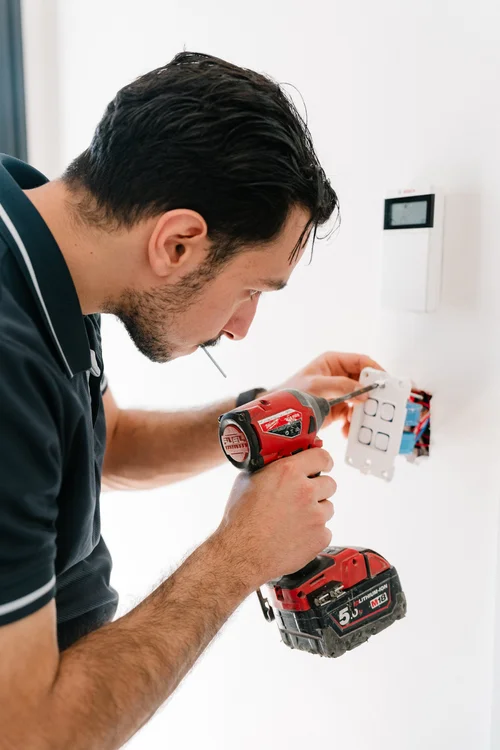
Expert Fault Finding
Our licensed C-Bus Electricians can find, diagnose and fix your C-Bus fault. Our experienced team will provide cost effective solutions that will get you the best result.
Book a C-Bus Electrician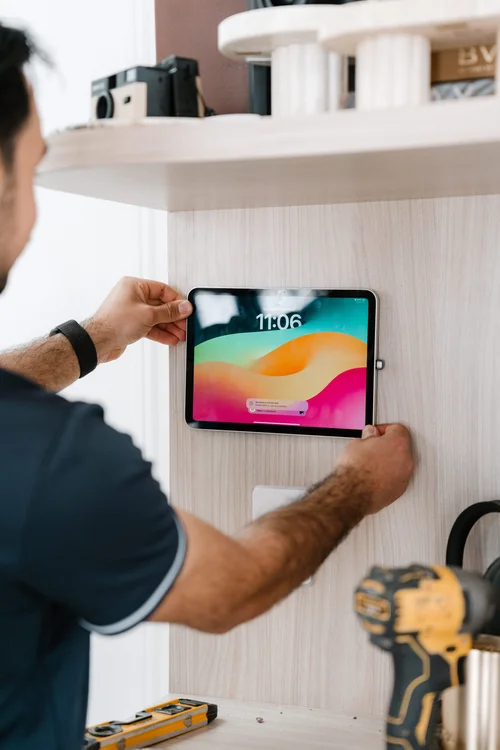
Re-Programming
Our C-Bus Electricians can modify scenes, schedules, and switch behaviors to match your lifestyle and improve efficiency.
Book a C-Bus Electrician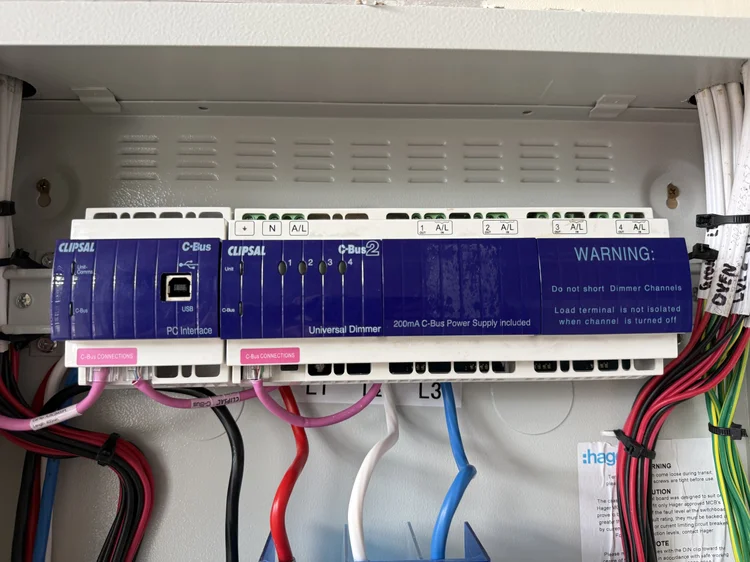
Replacing Parts
Need a part replaced? Our licensed and experienced C-Bus Electricians will make sure it's done to the highest standard whether it be replacing a switch, sensor, dimmer or relay.
Book a C-Bus ElectricianBook a C-Bus Electrician today.
Submit a booking request and we'll confirm the earliest available time. For urgent faults, call 0422 253 379.
This is a booking request — we'll confirm the appointment before attending.
Common C-Bus Issues We Solve.
Touch Screen Not Working
Fixing loose wiring, power supply failures, or diagnosing end-of-life screens.
Book a TechnicianLights Staying On Very Dim
Solving the "glowing" effect common with LED upgrades on older dimming units.
Book a TechnicianIndicator Lights Flashing
Expert diagnosis of network communication errors or faulty modules.
Book a TechnicianLights Stuck On or Off
Fast repair of faulty relays or input switches preventing lighting activation.
Book a TechnicianWhat Sydney Homeowners Say.
"Super happy with Cync electrical. Jason was professional and honest, diagnosed the issue fast and got it sorted without any fuss."
"I recently had Cync Electrical handle all the electrical work in my new home, and I couldn't be happier with the results."
"He fixed the internet issue very quickly, and didn't leave any mess behind. He will definitely be the first person I call."
"Fantastic service! Friendly, efficient and well priced. Thank you for swiftly fixing our switches :-)"
C-Bus Frequently Asked Questions
Common C-Bus questions answered by our licensed Sydney electricians. If your issue isn't covered below, call us on 0422 253 379.
There are several possible causes. Start by checking whether the unit LEDs are on — if not, there may be no mains power reaching the unit. If the LEDs are on but the C-Bus LED is not solid, the network may have no clock signal, a short circuit, or a low voltage problem. A licensed C-Bus electrician uses structured diagnostics: checking the network clock, verifying C-Bus voltage (which should ideally be above 22V DC), testing network impedance with a Network Analyser, and confirming correct wiring. In many cases, a faulty relay, failed dimmer module, or incorrect group address programming is the root cause.
This is one of the most common C-Bus issues we see in Sydney homes, especially after upgrading from halogen to LED downlights. C-Bus dimmers were originally designed for resistive and inductive loads — older halogen and transformer-driven globes. When LEDs are connected, the very low minimum load can cause residual current to flow through the dimmer's output stage, making the lights appear to glow or flicker even at zero. The fix usually involves replacing the dimmer module with an LED-compatible version, adding a suitable load resistor, or adjusting the minimum dimming threshold in the C-Bus ToolKit software. Our technicians carry the equipment to diagnose and resolve this on the same visit.
Flashing indicator LEDs on C-Bus keypads or DIN rail units typically signal a network communication problem rather than a failed switch. Common causes include incorrect network impedance (too many or too few network burdens), cable length exceeding the 1,000m maximum, too many units on a single network above the 100-unit limit, or a missing C-Bus clock signal. A C-Bus Network Analyser identifies the exact condition — its onboard LEDs indicate whether to add or remove burden, whether there's excess cable, or whether a clock is absent. Our team carries this equipment and can diagnose the fault quickly on-site.
Unexpected or phantom switching has several possible causes. PIR motion sensors that have drifted in sensitivity or been installed near air-conditioning vents can trigger lighting groups without anyone present. Scheduled events programmed in the C-Bus software may be running at unexpected times. Logic conditions set during the original installation may be activating scenes. In some cases, a third-party device such as an AMX or Crestron controller connected to the C-Bus network can inject unexpected commands. Our electricians use the C-Bus Diagnostic Utility's Traffic Analyser to monitor live network traffic, identify which unit address is generating the commands, and trace the fault to its source.
Yes — your existing C-Bus installation can be upgraded to work with Apple Home, giving you Siri voice control, iPhone and iPad control, and automation through the Home app without replacing your switches, dimmers, or wiring. The integration works via a bridge device that sits on your home network and translates C-Bus commands into HomeKit-compatible signals. Cync Electrical specialises in this upgrade for Sydney homes. We assess your current C-Bus project file, configure the integration, and set up your Apple Home scenes to match how you already use the system. View our Apple Home upgrade page →
A C-Bus network burden is a resistor-capacitor circuit placed across the C-Bus wiring to keep the network's AC impedance within the correct operating range of 400–1,500 ohms. Without the right impedance, communication between units becomes unreliable — keypads may not respond, lights may miss commands, or the system may behave erratically. As more units are added the impedance naturally decreases, so a burden may need to be added or removed depending on your network size. There should only ever be one network burden (hardware or software) active at any time. Our technicians use the C-Bus Network Analyser to measure this precisely and make the right adjustment.
Absolutely. C-Bus scenes (preset combinations of lighting levels and ramp rates) and schedules (time-based events) are fully programmable and can be updated at any time using the C-Bus ToolKit software. Common reprogramming requests we handle for Sydney homeowners include adjusting scene brightness levels, adding or removing switches from a group, changing "all off" behaviour when leaving home, creating new sunrise and sunset schedules, and updating scenes after renovations. If your original installer is no longer available or the project file has been lost, our team can scan and reverse-engineer your existing network configuration.
A single C-Bus network should not exceed 1,000 metres of Category 5 cable. Beyond this limit, network impedance drops below the safe threshold causing communication errors, voltage drops become excessive, and the C-Bus communication waveform distorts. If your installation has grown through extensions or renovations and now exceeds this limit, the solution is to split the network into two separate networks joined by a C-Bus Network Bridge. C-Bus wiring must also maintain at least 150mm separation from 240V mains cables to prevent noise interference and crosstalk.
Not necessarily. A black or frozen C-Bus touch screen can result from a loose C-Bus data cable connection, insufficient bus voltage reaching the unit (touch screens draw more current than a standard keypad), an undersized power supply, or a software fault resolvable with a firmware reload. Older Black and White C-Touch screens draw significantly more bus current than newer colour models — in many cases an additional C-Bus power supply is all that's needed. Our technicians will test the bus voltage at the screen location, check the wiring, and advise whether the unit can be repaired or requires replacement.
Signs of a failing or undersized C-Bus power supply include units that drop off the network intermittently, dim or flickering LEDs on keypads, loss of C-Bus communication that clears after a power cycle, and a low-voltage LED indicator on the PC Interface or CNI. A healthy C-Bus network should maintain at least 22V DC at every unit. C-Bus power supplies provide a nominal 36V DC unloaded — this decreases as more units draw current. If your network has grown since the original installation, it may now need an additional DIN rail power supply. Our electricians use a multimeter to measure voltage at multiple points across the network to accurately identify the fault.
Still not sure what's wrong with your C-Bus system?
Our licensed Sydney electricians diagnose C-Bus faults the same day. Starting from $295.
Service Areas Across Greater Sydney.
Sydney-wide service for C-Bus & Smart Home Projects.